Table of Contents
- What Is On-Page SEO and Why Does It Matter?
- How to Do Keyword Research for On-Page SEO
- How to Write SEO-Friendly Title Tags and Meta Descriptions
- URL Structure, Heading Tags (H1–H6), and Content Formatting
- How to Optimize Images for SEO
- Internal Linking Strategy: Connect Your Content the Right Way
- Schema Markup and Structured Data
- On-Page SEO Checklist: Audit Your Website
- FAQs
- Conclusion
Introduction:
If your website is not showing up on Google, chances are your on-page SEO is missing the mark. Most people spend a lot of time building a website, but forget one big thing: optimising it for search engines. The good news? You don’t need to be a tech expert to fix this.
Whether you’re a business owner, blogger, or a student exploring digital marketing, this guide breaks everything down in simple, actionable steps. If you’re also looking for hands-on training, the SEO course in Coimbatore at Codei5 Academy is the perfect place to start learning with real projects.
1. What Is On-Page SEO and Why Does It Matter?
On-page SEO means optimizing individual pages on your website so they rank higher on Google and attract more organic traffic. Unlike off-page SEO, which depends on backlinks from other websites, on-page SEO is something you fully control.
Here’s why it matters:
- Google reads your page content to decide how relevant it is to a user’s search query
- Well-optimized pages load faster, look cleaner, and keep users engaged longer
- It builds trust with both search engines and real visitors
- Strong on-page SEO directly impacts how your website ranks first in Google
- It is the starting point for anyone learning SEO optimization for beginners
Think of on-page SEO as the foundation of your entire digital presence. Get this right, and everything else becomes easier.
2. How to Do Keyword Research for On-Page SEO?
Before writing a single word, you need to know what your audience is actually searching for. Keyword research is the backbone of good SEO optimization for beginners — and even experienced marketers revisit it often.
Follow these steps:
- Type your topic on Google and look at the autocomplete suggestions, those are real searches
- Use free tools like Google Keyword Planner, Ubersuggest, or Ahrefs Free Keyword Generator
- Pick one primary keyword per page (e.g., “on page seo techniques”)
- Add 3–5 secondary keywords that naturally support your main topic
- Also, target long-tail keywords, they have lower competition and higher intent
Pro Tip: Check the “People Also Ask” section on Google. These are real questions your audience types, and answering them helps you build authority fast.
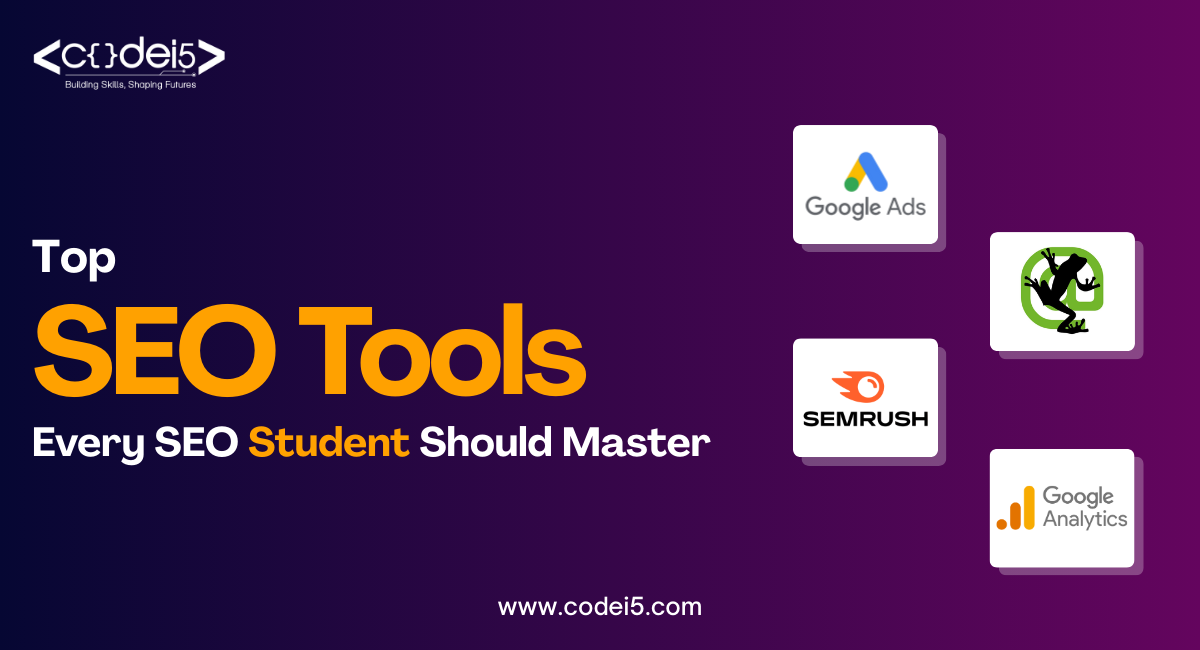
Not sure which tools are worth your time? Check out our detailed guide on the “Top SEO Tools Every SEO Student Should Master”, it covers everything from keyword research to technical audits.
3. How to Write SEO-Friendly Title Tags and Meta Descriptions?
Your title tag is the first thing a user sees on Google. If it doesn’t grab attention, nobody clicks, no matter how good your content is. This is where title tag optimization plays a huge role.
Title Tag Rules:
- Keep it between 50–60 characters
- Place your primary keyword at the beginning of the title
- Make it specific and benefit-driven (e.g., “How to Do On-Page SEO – Step-by-Step Guide 2026”)
- Avoid keyword stuffing, one well-placed keyword is more than enough
Meta Description Rules:
- Keep it between 150–160 characters
- Include your primary keyword naturally within the sentence
- Add a clear call to action – “Learn more,” “Get started,” or “Read the full guide”
- Think of your meta description as a mini-advertisement for your page on Google
4. URL Structure, Heading Tags (H1–H6), and Content Formatting
A clean URL and a proper heading structure make your page easy to read, for both Google and your visitors. This is one of the most underrated on-page SEO techniques that actually makes a difference.
URL Best Practices:
- Keep URLs short and descriptive: on-page-seo-optimization
- Use hyphens (-) between words, never underscores
- Always include your target keyword in the URL
- Avoid numbers, symbols, or random characters
Heading Tag Structure:
- H1 – Use only once on the page; include your main keyword
- H2 – Use for all major sections of the blog
- H3 – Use for sub-points under each H2 section
- Break long paragraphs into 2–3 sentences for easy reading
- Use bold text to highlight the most important points
5. How to Optimize Images for SEO?
Images make your content more engaging, but unoptimized images slow your page down and hurt your rankings. Here’s how to do SEO for website images the right way:
- Rename your image files before uploading: on-page-seo-guide.jpg instead of img0023.jpg
- Write a clear Alt Text for every image – describe what’s in it and include your keyword naturally
- Compress images using free tools like TinyPNG or Squoosh to reduce file size
- Use modern formats like WebP for faster loading on all devices
- Add captions where relevant – Google indexes caption text too
Fast-loading images = better Core Web Vitals = higher Google rankings. Always compress before you upload.
6. Internal Linking Strategy: Connect Your Content the Right Way:
Internal linking means connecting one page of your website to another through clickable links. It helps Google crawl your site more efficiently and keeps visitors reading longer – both of which improve your rankings.
Simple rules to follow:
- Link to related blog posts or service pages naturally within the content
- Use descriptive anchor text – “learn on-page SEO techniques” instead of “click here”
- Add 3–5 internal links per blog post
- Always make sure the linked pages are live, relevant, and valuable
- Internal links also help distribute page authority across your entire website
At Codei5 Academy, students practice live website optimization as part of the SEO course in Coimbatore, because real learning happens when you work on actual websites, not just theory.
7. Schema Markup and Structured Data:
Schema markup is code added to your website that tells Google exactly what your content is about. It helps your pages appear as rich results, star ratings, FAQ dropdowns, and review snippets, which increases your click-through rate significantly.
How to use it:
- Add FAQ Schema to blog posts, and Google can display your Q&As directly in search results
- Use Article Schema to help Google index your blog content faster
- Add Organization Schema to your homepage with your business name, location, and contact information
- Validate your schema using Google’s Rich Results Test (free tool)
- If you use WordPress, plugins like RankMath or Yoast SEO make adding schema very simple
For anyone learning how to do SEO for website pages, schema markup is often the difference between ranking #1 and not getting a featured snippet at all. It is one of those advanced on-page SEO techniques worth learning from day one, which is why Codei5 Academy includes structured data in its full digital marketing curriculum.
Frequently Asked Questions (FAQs):
1. What is on-page SEO in simple words?
On-page SEO is the process of optimizing your website’s content, headings, images, and links so Google understands your page and ranks it higher in search results.
2. How long does it take to see results from on-page SEO?
You can typically start seeing improvements within 4–8 weeks, depending on your website’s current authority and how competitive your target keywords are.
3. Is on-page SEO enough to rank on the first page of Google?
On-page SEO is a strong foundation, but combining it with off-page SEO and technical SEO gives you the best shot at ranking consistently on page one.
4. Can a complete beginner learn on-page SEO easily?
Yes, absolutely. With the right guidance, like the practical SEO course in Coimbatore at Codei5 Academy, even complete beginners can master on-page SEO in just a few weeks.
5. What free tools should I use for on-page SEO?
Start with Google Search Console, Ubersuggest, and RankMath (for WordPress). These tools help you track keywords, audit pages, and fix issues without spending a rupee.
Conclusion:
On-page SEO is not a one-time task, it is an ongoing habit that compounds over time. Start with the basics: keyword research, clean URLs, strong title tags, and quality content. Then layer in image optimization, internal links, and schema markup. Every small step adds up to big results. At Codei5 Academy, we teach all of this in a practical, project-based format. Start optimizing today; your Google ranking depends on it.
To help you decide the right path, we’ve written a detailed guide on the “Difference Between Self-Learning SEO and Joining an Institute”, read it before you make your choice.